Create a Course Locker AccountUpdated 8 months ago
Start Your Educational Journey with Mariners Learning System Today
Before you can begin your online training, you’ll need a Course Locker account. This account allows you to access all Mariners Learning System digital courses and exams.
How can I create a student account with Mariners Learning System?
Creating your Course Locker account is quick and easy. Follow these simple steps:
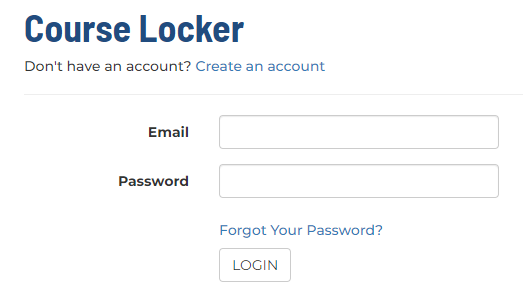
- Go to https://ecampus.marinerslearningsystem.com/
- Click "Don't have an account? Create an account"
- Fill in all required fields (marked with a red *)
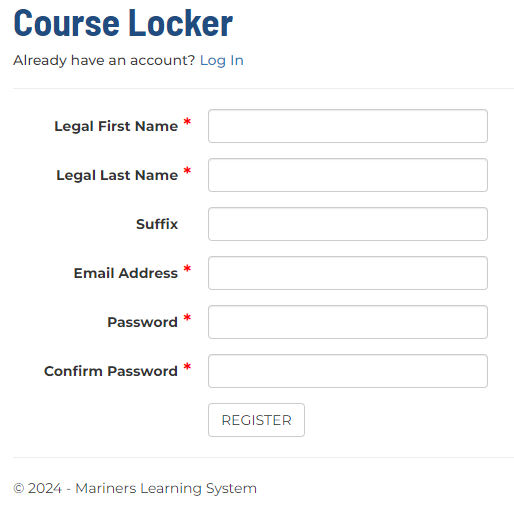
- Click "REGISTER"
- You’ll be redirected to the login screen - log in using the credentials you just created
- Once logged in, bookmark the Course Locker page for easy future access
If you’re having trouble logging in, check out our Login Help article.
💡 TIP: Write down your login credentials in a safe space!
When do I need a Course Locker account?
You will need a Course Locker login if you purchased or were gifted an online program product, such as our captain's licenses courses, recreational boating certifications, or FCC Element Exams.
Your Course Locker serves as the central hub for all your:
Registered courses
Activated courses
Expired courses
Course Completion Certificates
Do I need an account to place my order?
No - you can place an order without creating an account. However, if you purchase an online course or online exam, you’ll need to create a student account to access your materials.